

If you run a Traffory campaign without tagging the destination URL, analytics can make the resulting sessions harder to separate from other acquisition channels. A simple UTM structure solves that problem.
This guide uses Google Analytics 4 terminology and the current Traffory Android campaign workflow. SSM Apps develops Traffory. The purpose is clean attribution: traffic-exchange visits should stay identifiable instead of being mixed with organic search, email or other channels.
Start with source, medium and campaign
Google recommends using manual campaign parameters on destination URLs when you need to identify where traffic came from. For a basic Traffory setup, use at least:
- utm_source — use
traffory. - utm_medium — use a consistent value such as
traffic_exchange. - utm_campaign — use the specific test or promotion name, such as
landing_page_a.
Google’s campaign URL documentation explains that these parameters can be used to collect custom campaign data, while its traffic-source dimension guide explains source, medium and campaign reporting.
Example Traffory URL
Suppose the destination is:
https://example.com/product/
A tagged version could be:
https://example.com/product/?utm_source=traffory&utm_medium=traffic_exchange&utm_campaign=product_mobile_test
If you are comparing two creative or page variants, you can also use utm_content, for example utm_content=hero_a and utm_content=hero_b.
Keep naming lowercase and stable
Do not alternate between values such as Traffory, traffory and TRAFFORY. Inconsistent naming can fragment reports and make comparison harder. A simple lowercase convention works well.
The same principle applies to the medium. Pick one value such as traffic_exchange and reuse it rather than inventing a new medium for every campaign.
Add the tagged URL in Traffory
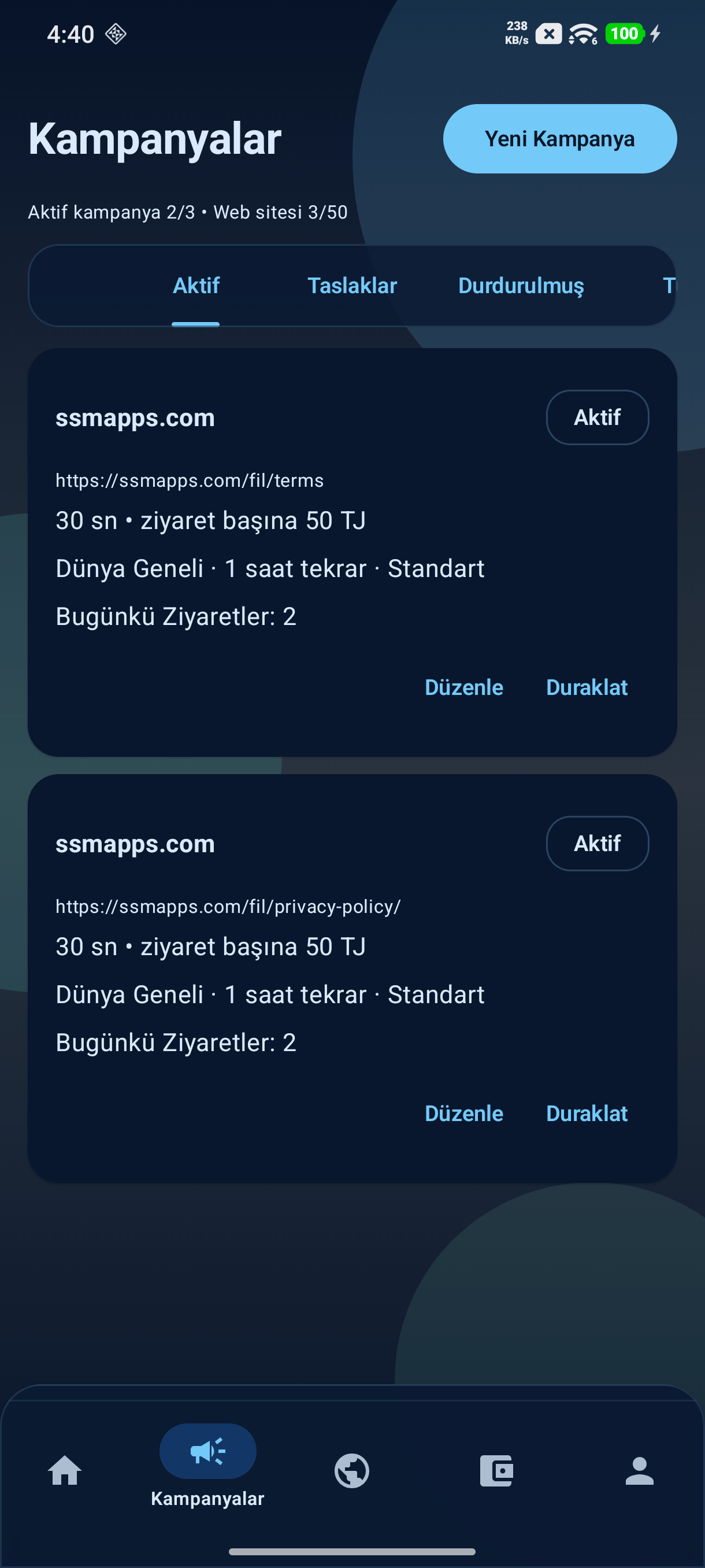
Open Campaigns → New Campaign in the Android app and paste the tagged destination URL in the Links step. Confirm that you own or are authorized to promote the site, then configure visit duration, audience, revisit interval and Priority only as needed.
Because the UTM parameters are part of the destination URL, your analytics implementation can read them when the page loads.
Test the exact URL before launch
Open the tagged URL manually and verify three things:
- the page loads correctly;
- the UTM parameters survive any redirect chain;
- the final page fires your analytics tag as expected.
If a redirect from HTTP to HTTPS, one subdomain to another, or a short URL strips query parameters, the campaign attribution can be lost before the visitor reaches the final page.
Where to look in GA4
Use acquisition reporting and inspect session source, session medium and campaign dimensions. A correctly tagged session should use the values you supplied, such as traffory / traffic_exchange.
Google’s documentation notes that manual UTM parameters populate traffic-source dimensions. That is why explicit tagging is preferable to trying to reconstruct the source later.
Do not evaluate Traffory like organic search
Traffory traffic is incentivized member-exchange traffic. Keeping it tagged correctly prevents it from being mistaken for google / organic, direct traffic or conventional referrals. That separation matters when you review engagement, key events and conversion rates.
For more context, read Traffic Exchange Bounce Rate: How to Measure Visit Quality in GA4.
Use metrics that match the page goal
For a technical test, the useful event may simply be confirmation that a component loaded. For a landing page, a CTA click or form start may be more meaningful. For an app-promotion page, an outbound Google Play click can be a useful event.
The important point is to define the event before you run the campaign. Otherwise it is easy to look at a large list of metrics after the fact and pick whichever one appears favorable.
A simple naming framework
For repeatable reporting, use a pattern such as:
utm_source=trafforyutm_medium=traffic_exchangeutm_campaign=page_or_goal_monthutm_content=variantwhen needed
Example: utm_campaign=pricing_page_sep2026. The exact name is up to you; consistency is what makes the data useful.
Next, read How to Create a Website Traffic Campaign on Android With Traffory or visit the Traffory product page. The Android app is also available on Google Play.


Start the conversation
Corrections, useful experiences and focused questions are welcome. Keep discussion respectful and on topic.